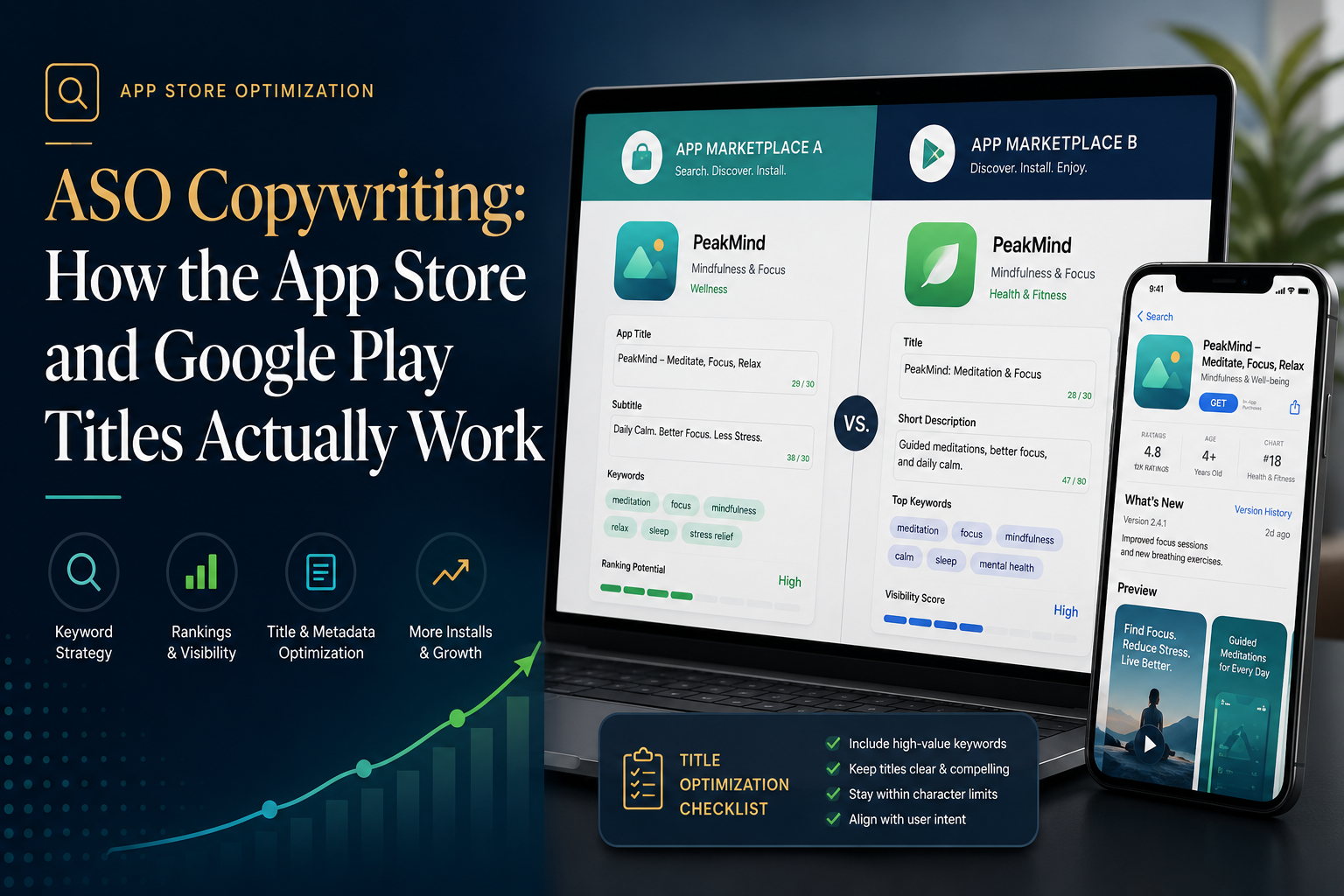
When digital brands expand from the web into the mobile app ecosystem, they almost always make a fatal marketing assumption: they think the SEO copy framework that works for Google desktop and mobile search will work perfectly fine for the Apple App Store and Google Play Store.
It won’t.
App Store Optimisation (ASO) copywriting is an entirely different technical beast. On the web, Google’s advanced algorithms read long-form content, interpreting semantic themes, contextual synonyms, and deep keyword clusters over thousands of words.
In the app stores, you are playing a brutal game of character limits, strict indexation rules, and algorithmic rigidity. You don’t have paragraphs to build authority; you have a handful of metadata fields where a single misplaced keyword can cause your ranking to tank nationwide.
If you want your mobile application or digital health app to rank organically where millions of users are actively searching, you need to understand exactly how title copywriting works behind the scenes. Here is a detailed, technical breakdown of how the Apple and Google algorithms index your words.
1. The Architectural Divide: Apple vs. Google Indexes
The very first thing an expert ASO copywriter understands is that you cannot use the exact same metadata assets for both storefronts. The indexing engines behind the Apple App Store and the Google Play Store operate on fundamentally different technical frameworks.
+————————————————————————–+
| ASO METADATA INDEXING FLOW |
+————————————————————————–+
| |
| [ APPLE APP STORE ENGINE ] [ GOOGLE PLAY STORE ENGINE ] |
| Explicit Fields (Direct Weight) Implicit Parsing (SEO Style) |
| |
| 1. App Title (30 Chars) 1. App Title (30 Chars) |
| │ │ |
| 2. Subtitle (30 Chars) 2. Short Description (80 Chars) |
| │ │ |
| 3. Keyword Field (100 Chars) 3. Long Description (4000 Chars)|
| │ │ |
| (Combines strings linearly) (Density & Frequency models) |
+————————————————————————–+
The Apple App Store Engine (Explicit Indexation)
Apple uses an explicit string-matching system. It scans three specific textual assets in a fixed hierarchy to build your keyword profile: your App Title, your Subtitle, and a hidden Keyword Field (accessible only via App Store Connect).
- Apple does NOT index your long app description for search rankings.
- If a keyword isn’t explicitly placed in those three zones, your app won’t rank for it—even if it appears 50 times in your main description copy.
The Google Play Store Engine (Implicit Indexation)
Google treats its app store exactly like its web search engine. It relies on natural language processing (NLP) to index your App Title, Short Description, and Long Description (up to 4,000 characters).
- Google builds a semantic keyword matrix based on keyword density, placement, and frequency across your entire public listing copy.
2. Crafting the App Title: The 30-Character Battleground
On both platforms, the App Title carries the absolute highest mathematical weight for search rankings. If your core high-volume keyword isn’t in the title, you are essentially invisible.
Both platforms give you a strict limit of 30 characters. The industry standard formula for an optimized title is: [Brand Name] + [Core Keyword/Function].
The Mathematical Character Trap
Let’s look at how to maximize this space without running into cut-offs or truncation errors on user screens:
- Bad/Unoptimized Copy: MedVitals Telehealth App (23 Characters). It tells the user the brand, but wastes search weight. No one searches for the word “App.”
- Optimized/High-Weight Copy: MedVitals: Telehealth Doctor (28 Characters). It indexes the brand while perfectly capturing the two highest-volume search terms in the entire medical app category: “Telehealth” and “Doctor.”
3. The Secondary Metadata Layers: Subtitles vs. Short Descriptions
Once your title is locked in, the strategy splits completely depending on which operating system you are targeting.
Apple Subtitle (30 Characters)
The Subtitle sits right beneath your main title on the store page. It holds the second highest weight in Apple’s ecosystem.
- The Technical Rule: Never repeat keywords that are already in your title. If your title contains “Telehealth,” using “Telehealth Services” in your subtitle wastes precious character space. Apple’s algorithm naturally combines words across the Title and Subtitle fields.
- Optimized Approach: Title = MedVitals: Telehealth Doctor | Subtitle = Online Scripts & ePrescriptions (32 characters—needs trimming to meet the 30-character cap). Correction: Online Scripts & GP Care (24 Characters). Now, you automatically rank for compound search phrases like “Telehealth Scripts,” “Online Doctor,” and “GP Care.”
Google Short Description (80 Characters)
Google replaces the subtitle with an 80-character Short Description. This field has massive weight for Google’s indexation.
- The Strategy: It must be written as a fluent, high-impact conversion sentence that incorporates your primary secondary keywords naturally.
- Example: “Consult Australian doctors online. Secure telehealth appointments & instant scripts.” (79 Characters). This perfectly covers “consult doctors online,” “telehealth appointments,” and “instant scripts” within the limit.
4. Google’s 4,000-Character Long Description Strategy
Because Google indexes the entire long description, generalist writers often turn this section into a chaotic wall of stuffed keywords. This actually triggers algorithmic penalties for “keyword stuffing” and drops your rank.
When I draft a Google Play Long Description, I treat it like a structured landing page using a localized keyword density model (aiming for 1.5% to 2% density for core terms):